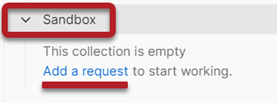
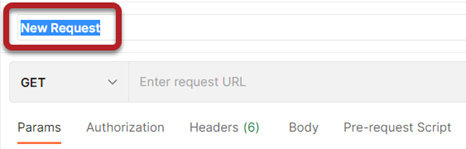
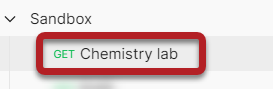
- Copy the specific Request URL from the COS-portal for the API that you wish to connect to, in this example Chemistry lab results.
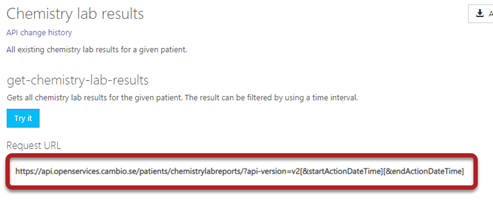
- Paste the url in the field Enter request URL in Postman.

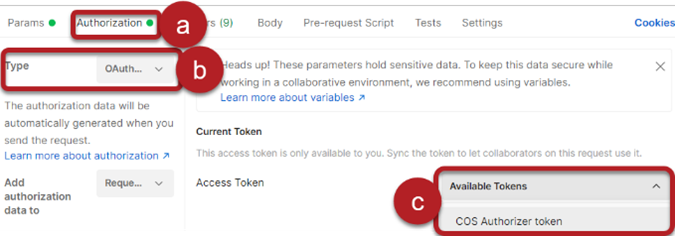
- Select the tab Authorization.
- Select OAuth 2.0 in the list Type.
- Select your newly created COS Access Token in the list Available tokens.
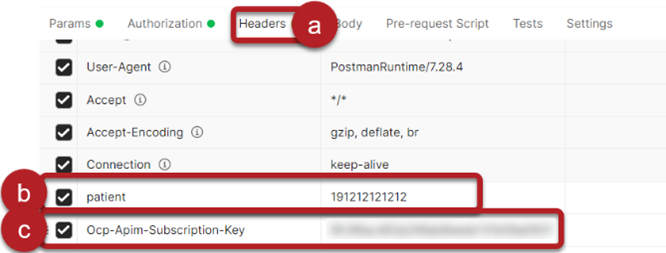
- Select the tab Headers.
- Type patient in the column KEY and a patient ID, in our example 191212121212, in the column VALUE.
- Type Ocp-Apim-Subscription-Key in the column KEY and your Primary Key in the column VALUE.

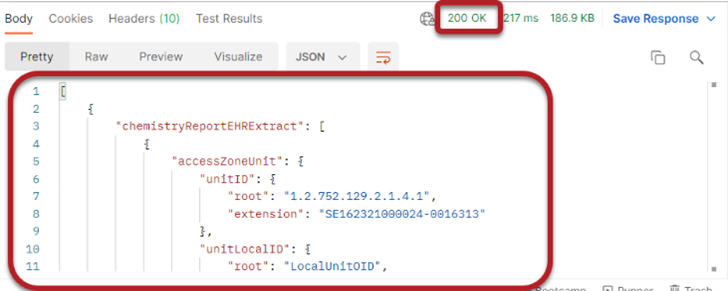
Result: If the the request worked as expected, you should receive the result 200 OK, and some actual results about the chemistry lab.